
On this page
Spend less time creating social media content and more time running your restaurant. Use this guide to choose what to post, plan a month at a time, and turn one menu item into a useful campaign.

Restaurant social media marketing starts with a familiar problem: service changes faster than a content plan. You photograph a new dish after the lunch rush, then forget to post it. Friday arrives, and the only photo in your camera roll shows a menu item you stopped selling last week.
You need a small set of repeatable post types, a calendar your team can maintain, and a final check before anything goes live. Popmenu's restaurant guide also organizes social content around menu items, offers, and customer conversation. The plan below turns those broad themes into work you can assign in one sitting.
Start with one goal and two places to post
Pick the action you want this month: more lunch orders, more reservations, awareness of a new dinner menu, or stronger recognition in your neighborhood. Then decide what a customer needs to see before taking that action. A dish photo can spark interest; a short menu explanation can remove uncertainty; a clear booking instruction can close the gap.
For each post, record four fields: the dish or story, the format, the destination, and the person who checks the facts. Instagram may need a visual hook and a short caption. Facebook may need the same photo with more practical details, such as pickup hours or an event link. Give each channel copy that fits the action you want instead of pasting identical text everywhere.
Keep your profile basics current before building a calendar: address, hours, menu link, reservation or order link, and a way to reach the restaurant. Guests cannot order through a broken link, however strong the photo. If a dish sells out or a shift changes, update the planned post before it appears.
30 Instagram and Facebook post ideas for restaurants and cafés
Choose ideas from the menu below. Each one can become a photo post, a short video, or a carousel. Your staff can capture several ideas during one prep period, then write the captions after service. Lightspeed's restaurant guide includes specials, staff stories, kitchen footage, and guest photos shared with permission.
Show the food
- Signature dish close-up. Show the plate at the pass and name the ingredient customers ask about most.
- Menu item in three frames. Photograph ingredients, assembly, and the finished dish. Add a specific order link.
- New special reveal. Lead with the finished plate, then explain the flavor and the date it leaves the menu.
- Pairing suggestion. Show a main dish beside a drink or side and explain why the pairing works.
- Portion guide. Help a customer choose between a single serving, sharing plate, or family order.
Answer the questions customers ask
- First-visit guide. Explain where to park, whether to book, and what to order if someone has never visited.
- Allergy and ingredient process. Show how guests can ask about ingredients. Have your team verify each safety statement before posting.
- How pickup works. Walk through the order screen, pickup shelf, and collection window.
- Menu comparison. Help guests choose between two similar dishes without declaring one the winner.
- Kids' menu explainer. Show available options and the details parents ask about during a busy visit.
Bring people into the kitchen
- Prep before opening. Film a cook shaping dough, washing greens, or setting up the coffee bar.
- One ingredient story. Introduce a seasonal ingredient and show where it appears on the menu.
- How we make it. Explain one step that guests can see or taste in the final dish.
- Team recommendation. Ask a staff member what they order after a shift and why.
- Service reset. Show the room between lunch and dinner, then tell guests when the next service begins.

Give locals a reason to visit
- Lunch window reminder. Show a dish available during a defined window and confirm today's hours.
- Neighborhood stop. Pair a visit to your restaurant with a nearby walk, market, or event.
- Weekend plan. Show a table setup and tell guests when they can book or walk in.
- Seasonal menu arrival. Introduce the new item and make the start date clear.
- Event night details. State the date, time, location, reservation rule, and what the ticket includes.
Build trust
- Meet the cook or barista. Ask one question about the dish or drink they love making.
- Supplier spotlight. Show the ingredient and name the supplier after confirming they welcome the mention.
- Customer quote. Share a short review with permission and a link to the dish it mentions.
- Why the menu changed. Explain a thoughtful change in portion, ingredient, or service hours.
- What you check before service. Show the team tasting, labeling, or checking the room.
Invite a response
- Choose the next special. Ask guests to vote between two dishes your kitchen could make.
- Menu memory. Invite regulars to name a past favorite that they would welcome back.
- Ask the chef. Collect a question in comments and answer it in the next post.
- Flavor preference. Ask guests whether they prefer spicy or mild, then point to a fitting menu item.
- Local recommendation exchange. Ask guests what they do nearby after brunch and share a few replies with permission.
Build a monthly restaurant social media calendar
Start with the menu and service calendar. Write down the dishes you want to sell, the days you need to fill, the events already on the books, and any likely changes. Then choose five posts per week from the ideas above. Five is a planning example, not a rule; three posts you can check and publish beat seven drafts nobody reviews.
Use one anchor post each week to explain a dish or experience. Fill the other slots with a service detail, a kitchen moment, a local reason to visit, and a question. You can use one shoot for several posts if you change the crop and message. Do not ask a cook to stop plating food so the calendar can stay full.
Example four-week calendar for a neighborhood restaurant
| Week | Mon or Tue | Wed | Thu | Fri | Weekend |
|---|---|---|---|---|---|
| 1: Make the menu clear | Signature dish photo | Pickup walkthrough | Prep clip | Lunch window reminder | Ask guests which side they order |
| 2: Show the people | Staff recommendation | Ingredient story | First-visit guide | Weekend table setup | Answer a guest question |
| 3: Promote a change | New special reveal | How we make it reel | Menu comparison | Event night details | Guest quote with permission |
| 4: Learn from replies | Pairing suggestion | Supplier spotlight | Kids' menu explainer | Weekend plan | Vote on next special |
Assign one owner to each row and keep a short checklist beside the calendar: image ready, caption approved, menu details current, link tested, and posting time chosen. On the last day of the month, review which posts prompted questions, orders, reservations, or staff conversations. Keep the formats that helped customers decide. Replace posts that drew attention but sent guests to an unavailable dish.
Pizza restaurant example: website to carousel, reel, and captions
The following is an illustrative workflow for a fictional shop, Harbor Slice. It shows the inputs and the kind of drafts an owner could review; these words are sample copy, not a claim that TryPosty generated this exact campaign.
Sample restaurant website brief
Harbor Slice is a fictional neighborhood pizza restaurant with dine-in and pickup. Its sample website, harborslice.example, says “Wood-fired pizza for neighborhood nights” and lists a wood-fired Margherita, hot honey pepperoni, house salad, and family meal beside the hours, address, and order link. The owner wants to promote the hot honey pepperoni on Friday without making a new offer or changing the listed menu.
TryPosty says its free flow begins when you paste a website. It presents a carousel, caption, and reel for review, and says you can edit or swap posts before they go live. In this sample, the owner would check the extracted menu and ask for a dish promotion built around the hot honey pepperoni.
Illustrative carousel: promote one dish
- Cover: “Friday pizza decision? Start with the hot honey pepperoni.” Use a current photo of the actual pizza.
- Detail: “Pepperoni, a little heat, and a finish of hot honey.” Check the exact ingredients against the kitchen's recipe.
- Fit: “Pair it with our house salad for the table.” Keep this slide only if the salad is available.
- Action: “Order pickup or join us for dinner. Hours and menu at the link in our profile.” Replace the generic line with the current order link or reservation instruction.
Illustrative reel: a short shot list
Film dough going into the oven, the hot honey finish, and a slice landing on a plate. Put “Hot honey pepperoni tonight” on the first frame. End with the address and order instruction. The owner should swap in real kitchen footage so the reel shows the dish guests will receive.
Illustrative captions
Instagram: “A little heat, a little honey, and Friday dinner sorted. Our hot honey pepperoni is on the menu tonight. See hours and order pickup through the link in our profile.”
Facebook: “Planning dinner? The hot honey pepperoni is on tonight's menu at Harbor Slice. Order pickup from our website or stop by for dine-in. Check today's hours and the full menu before you head over.”
Owner edit: The website says the shop closes at 9 p.m., but Friday hours changed this week. The owner corrects the hour in the Facebook caption, checks the order link, and replaces a generic pizza photo with a current shot of the hot honey pepperoni. If the topping is unavailable, the owner swaps the post for a different dish. TryPosty's homepage describes this edit-or-swap review step.
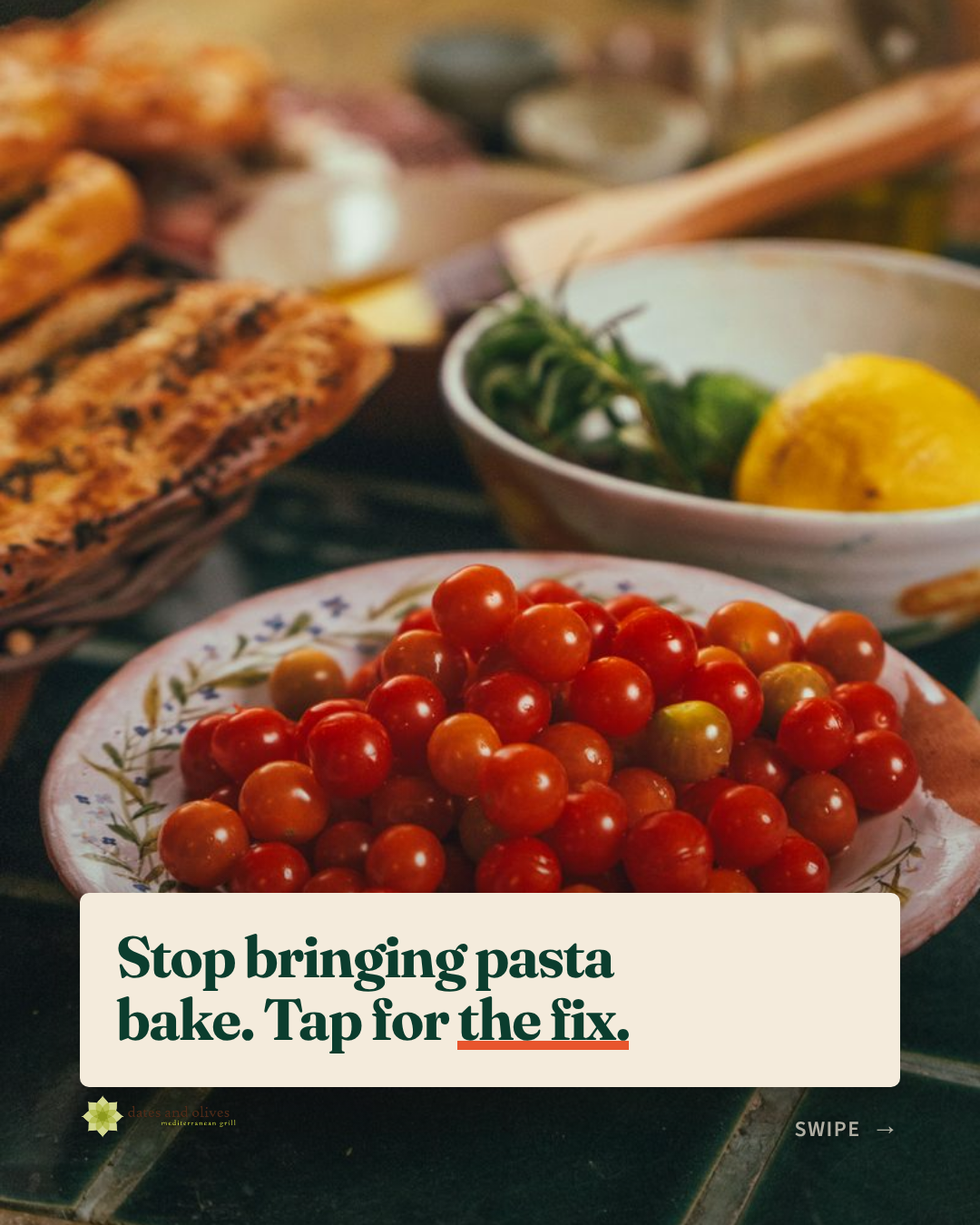
You can inspect a real restaurant-style carousel slide from TryPosty's public homepage. The slide promotes a food-related idea with a short hook. It is a first-party example, separate from the fictional pizza workflow above.

DIY, an AI tool, or a restaurant social media manager?
Choose your setup based on who can gather material, check facts, answer guests, and keep the calendar moving. TryPosty publishes this guide and sells an AI tool for local businesses. Treat it as one option alongside your own process and a person you hire.
| Approach | Where it helps | Tradeoff | Good fit |
|---|---|---|---|
| Do it yourself | You control the voice, photos, and service details. | You must shoot, write, design, schedule, and review posts. | A small menu and an owner who enjoys content work. |
| AI tool with owner review | You can draft repeatable captions, carousels, and a calendar from existing website content. | You still need real photos, fact checks, and a person to answer guests. | A busy restaurant with a current website and a clear approval owner. |
| Hire a manager | A person can plan campaigns, organize shoots, respond to comments, and coordinate paid work. | You need a budget, a brief, access to the team, and time to approve work. | Multiple locations or a restaurant running frequent launches and events. |
TryPosty's current pricing page lists its plans and credits. Check that page when comparing tools; prices and allowances can change. Ask a prospective manager for a written scope that states who shoots content, who replies to guests, and who updates posts when menu details change. Compare the total work each option covers, not the number of posts promised.
Measure useful actions and handle the edge cases
Track the action you named at the start of the month. For lunch orders, note clicks to the order page and ask staff which posts guests mention. For a new menu, record questions about the dish and reservations that follow the announcement. Keep a simple log with the post date, subject, format, offer, and what happened. You do not need a dashboard to notice that a menu explainer answers the same question staff hear at the counter.
Put one person in charge of same-day changes. They should pause a post if an item sells out, hours shift, an event reaches capacity, or a photo no longer matches the plate. For allergy and health claims, have the person responsible for the menu approve the wording. Obtain permission before using a guest's image or quote. If a campaign depends on fresh footage or a complex offer, give a human more time than the calendar template allows.
Frequently asked questions
How can I market my restaurant on social media?
Choose one goal, keep the order and booking paths current, show dishes and service moments, and answer customer questions. Review which posts lead to visits, orders, or bookings, then adjust next month's calendar.
What should a restaurant post on Instagram and Facebook?
Start with menu highlights, preparation, the dining space, customer questions, and local events. Use a photo for a quick update, a carousel for a short explanation, and a reel when movement helps show the food.
How do I make a restaurant social media calendar?
List menu changes and events first. Choose a weekly rhythm your team can support, then assign a format, action, and reviewer to each post. Batch the images and captions before the week starts and check the details on the day you publish.
Should I use an AI tool or hire a restaurant social media manager?
Use a tool when you need help drafting repeatable content and can review every post. Hire a person when you need original shoots, campaign planning, paid promotion, or hands-on replies. Some teams use both.
What is the best way to advertise your restaurant?
Start with a clear offer, current hours, and a working order or booking link. Use social posts to show the dish or experience, answer common questions, and give guests a direct next step. Add paid promotion when you can measure the result.